USB-C as the fixed standard: what changes for your cables, chargers, and hubs?
,
by Verpakkingdeals.nl
5 min reading time
Since the end of 2024, USB-C has been the mandatory charging port for phones, earbuds, mice, and more, and since April 2026, also for laptops. Here's what that means for the cables, hubs, and chargers on your desk.
Open the drawer with cables and count the types of plugs. There's a good chance you'll still find three or four different ones, while your newest devices all have the same port. That drawer will naturally become emptier in the coming years, as the EU has made USB-C a mandatory charging port.
This is no longer an announcement but established policy, and since this spring, it also applies to the last major category. Below is what the rule entails, and more importantly: what you can practically do with it at your desk.
What has been agreed upon
The European Commission describes the common charging solution as follows. Since December 28, 2024, mobile phones, tablets, digital cameras, headphones, headsets, portable speakers, handheld game consoles, e-readers, earbuds, keyboards, mice, and portable navigation systems must have a USB-C port. For laptops, the same requirement applies since April 28, 2026.
In addition, three things have been regulated that you will notice in stores:
You may purchase a device without a charger. The packaging will indicate with an icon whether a charger is included.
Information about charging behavior must be provided — how much power the device needs and whether it supports fast charging.
Fast charging has been harmonized, so manufacturers are not allowed to unreasonably limit the charging speed of another brand's charger.
To be clear: devices you already own will continue to work. The rule applies to what is newly introduced to the market, not to the micro-USB speaker in your kitchen.
What this means for your cables and chargers
The practical consequence is that, in the long run, you will be able to manage with fewer types: one type of cable for almost everything, and one good power supply. This saves space, but it puts more strain on the cables you keep — they will be plugged in and out more often.
Cables almost always break in the same spot: just behind the plug, where it bends a hundred times a week. A set of 4 cable protectors costs €1.95 and extends the lifespan of precisely that part. For a bag or drawer, an anti-loss cord for wireless earbuds (€2.95) is a small investment that saves a lot of searching.
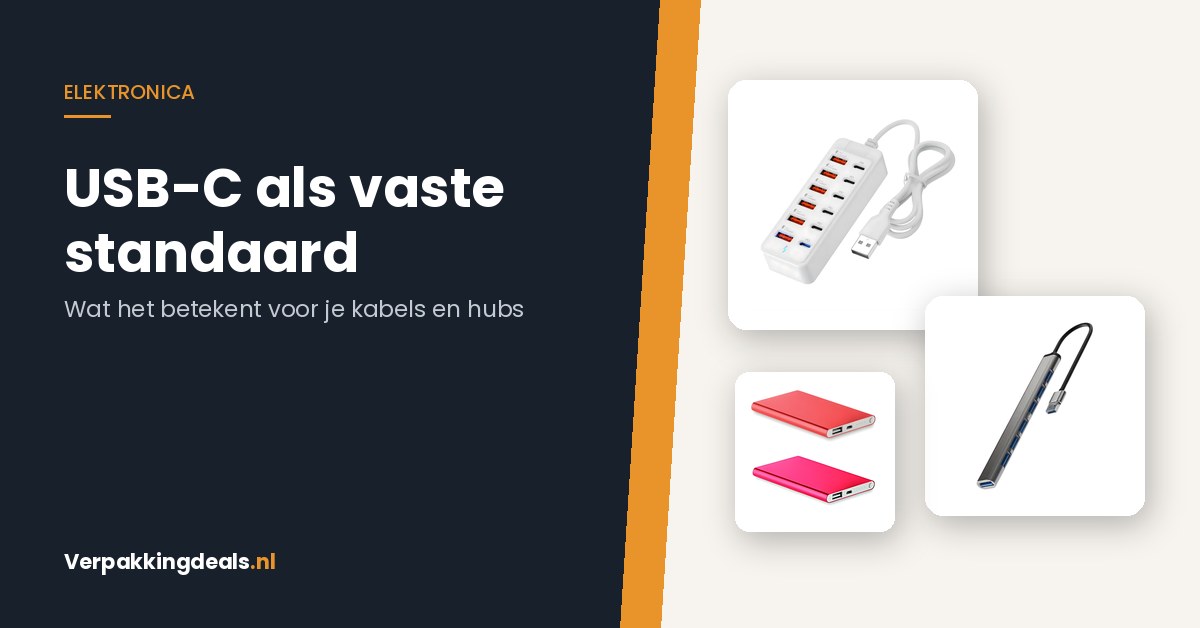
If you charge multiple devices simultaneously, one power supply with enough ports is more convenient than four separate power strip hogs. The 8-port USB charging station with Fast Charge and PD (€14.95) is designed for this. PD stands for Power Delivery, the standard associated with USB-C, which adjusts the power to what the connected device requires. On the go, a compact 3000 mAh power bank (€14.95) remains an excellent emergency ration for a phone.
The gap that remains: all your USB-A stuff
Here's where the real work is. While your new devices get USB-C, you still have a pile of peripherals with the old rectangular USB-A plug: memory sticks, a printer cable, a desk lamp, an old mouse. A laptop with only USB-C ports cannot connect them directly.
That's what a hub is for. Which one you choose depends on what you connect to it:
The switch to one cable type is the natural moment to clean up your desk. A few things that help with this:
Put everything on the table and for each cable, determine what can still be connected to it. Anything that doesn't belong anywhere anymore can be discarded — drop off electronics and cables at a collection point.
Keep one spare cable per type, not five. The rest only create tangles.
Place your hub in a fixed spot so you don't have to reach behind the cabinet every time. A desk organizer with phone holder (€5.00) keeps your phone upright and clutter together.
Check what your new device requires. Since the new rules, this is stated on the packaging; a charger that provides too little power will simply charge slower.
Hubs, chargers, extension cables, and desk accessories are grouped together in Computers & Accessories and Cables. You'll find hubs bundled under USB-Hub, and power banks and batteries under Batteries & Chargers. Not sure if a hub is enough for what you want to connect? Send your list of devices to info@verpakkingdeals.nl, and we'll help you figure it out.
Choosing a USB hub for working from home: 2.0 or 3.0, how many ports, and with switches
· 3 min reading time
Choosing a USB hub for working from home: 2.0 or 3.0, how many ports and with switchesYour desk needs three USB devices, but your laptop only has two ports. Or...
Power outages in autumn: emergency supplies you'll actually use
· 2 min reading time
Autumn Power Outages: Emergency Supplies You'll Actually Use October to December. Heating isn't in full swing yet, but the nights are getting long and cold. If a power outage strikes...
Choosing a power bank: capacity, charging speed, and weight compared
· 2 min reading time
Choosing a Power Bank: Capacity, Charging Speed, and Weight Compared Your phone dies when you're out and about. The classic emergency solution is a power bank. But what capacity do...